


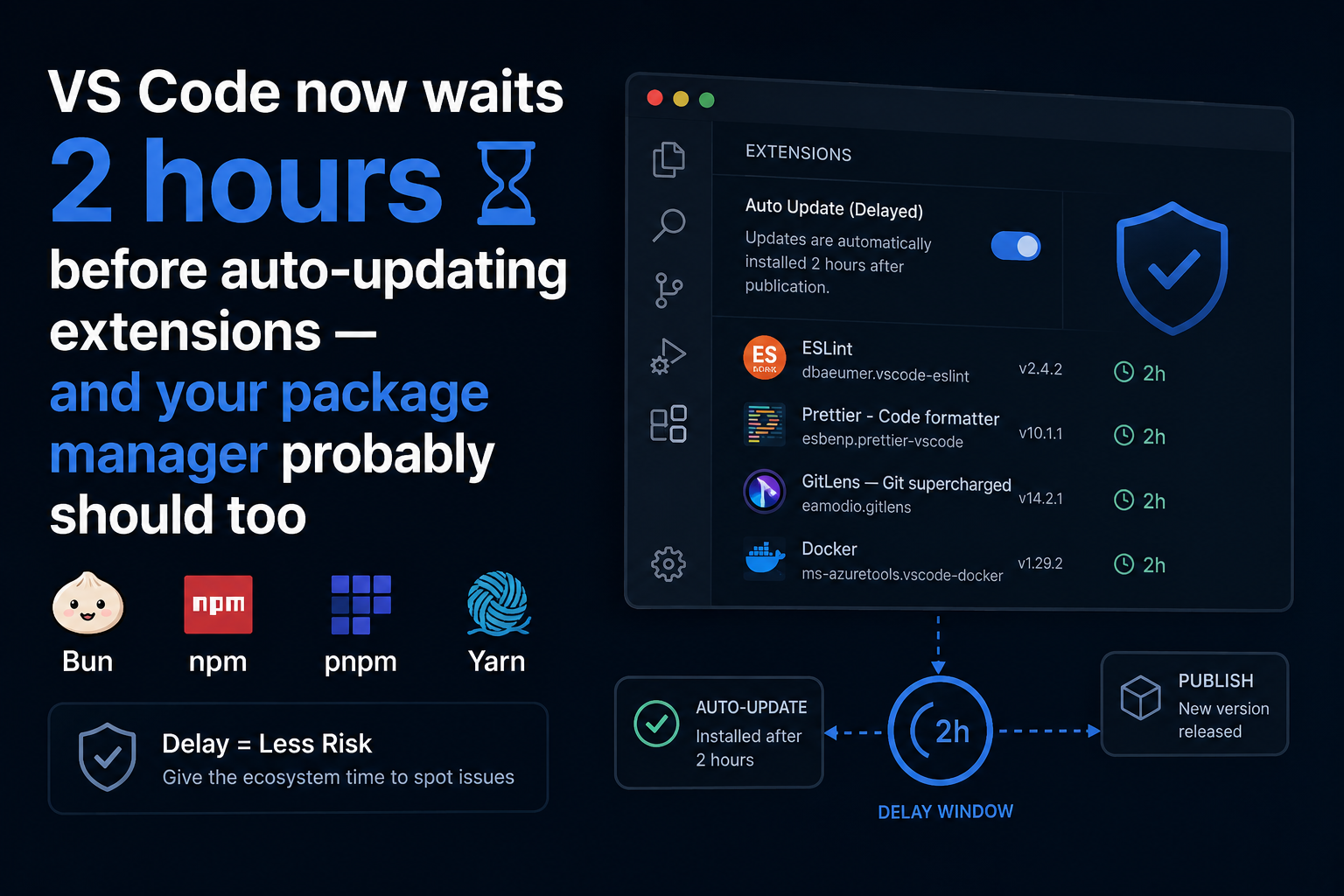
Microsoft announced that VS Code 1.123 will introduce a two-hour delay before extensions are auto-updated. When a new version of an extension is published to the marketplace, VS Code will wait two hours before installing it automatically.
The reason is straightforward: if a malicious version is published — whether by a compromised maintainer account or an attacker who gained access to publish credentials — a two-hour window gives the registry, the community, and automated scanners time to catch it before it lands on millions of developer machines.
Users can still update immediately using the “Update” button. The delay only applies to automatic updates. Extensions from Microsoft, GitHub, and OpenAI are exempt and continue to update immediately.
Why a delay helps
The attack pattern this defends against is well established. An attacker gains publish access to a popular extension or package, pushes a malicious version, and relies on the fact that most machines will pull it within minutes. By the time anyone notices, the payload has already run on thousands of systems.
A time-based delay changes the economics. It creates a detection window. Automated scanners, security researchers, and users who update manually are more likely to flag the anomaly before the automatic rollout completes. The malicious version can be yanked from the registry before it reaches the bulk of the install base.
It doesn’t prevent the attack — but it shrinks the blast radius significantly.
Your package manager already supports this
The same idea has been quietly rolling out across the JavaScript ecosystem over the past year. If you’re using Bun, npm, pnpm, or Yarn, you can configure a minimum release age before a package version is eligible to be installed:
Bun (v1.3+) — minimumReleaseAge in bunfig.toml
[install]
minimumReleaseAge = "3 days"
npm (v11.10.0+) — min-release-age in .npmrc
min-release-age=72hpnpm (10.16+) — minimumReleaseAge in .npmrc
minimumReleaseAge=3 daysYarn Berry (4.10.0+) — npmMinimalAgeGate in .yarnrc.yml
npmMinimalAgeGate: 72hRubyGems added an equivalent opt-in cooldown in Bundler 4.0.13 for the Ruby ecosystem.
The configuration is deliberately simple: set a minimum age, and the package manager will refuse to install any version published more recently than that threshold. Updates still happen — they just happen on a slight delay.
What threshold makes sense?
There’s no universal answer, but a few data points are useful:
The axios incident in March 2026 had malicious versions live for approximately three hours before they were removed. A 24-hour minimum age would have prevented automatic installation in most CI pipelines.
The TanStack/Mini Shai-Hulud campaign in May 2026 moved faster in some cases — but npm’s own detection and token invalidation response took around 12–24 hours to fully contain.
A 24–72 hour minimum release age is a reasonable starting point for most teams. It’s long enough to provide meaningful protection, short enough that it won’t materially slow down your dependency updates in practice. Security-critical patches can still be installed immediately by explicitly pinning the version.
The tradeoff
The obvious concern is that a delay slows down security patches. If a legitimate CVE fix is published, you want it installed as soon as possible — not in 72 hours.
In practice, this concern is mostly theoretical. The scenarios where you need an unattended npm install to pull a security patch within hours are rare. Most teams apply security updates deliberately, not via automatic background updates. And when you do need to move fast, you can still install the specific version explicitly — the delay only applies to the automatic update path.
The more realistic risk is the reverse: that an attacker publishes a malicious patch claiming to fix a CVE, and your CI pipeline installs it automatically within minutes of publication. That’s the scenario these controls are designed to prevent.
What this doesn’t cover
Minimum release age is a useful layer, but it’s not a complete supply chain defense:
- It doesn’t help if you install a package for the first time — there’s no prior version to compare against
- It doesn’t validate the integrity of the package contents, only its age
- It doesn’t catch typosquatting or dependency confusion attacks
For those, you need integrity verification (lockfiles, content hashing, Sigstore signatures), SBOM scanning, and monitoring for unexpected new dependencies appearing in your lockfile. The age threshold is one layer in a defense-in-depth approach, not a substitute for the others.
boring.tools scans your repositories for newly disclosed vulnerabilities on every commit, including across transitive dependencies. If a package you depend on is flagged after you’ve already installed it, you’ll know. See how it works →