


Install scripts are not the only place where dependency malware can run. Sometimes the dangerous moment is later, when application or build code imports a package that already looked harmless during installation.
That is the important lesson from the ViteVenom campaign. The Hacker News reported on seven malicious npm packages targeting the Vite frontend tooling ecosystem. The campaign, described from Checkmarx research, used Vite-themed scoped package names and a blockchain-backed command-and-control chain to deliver a remote access trojan.
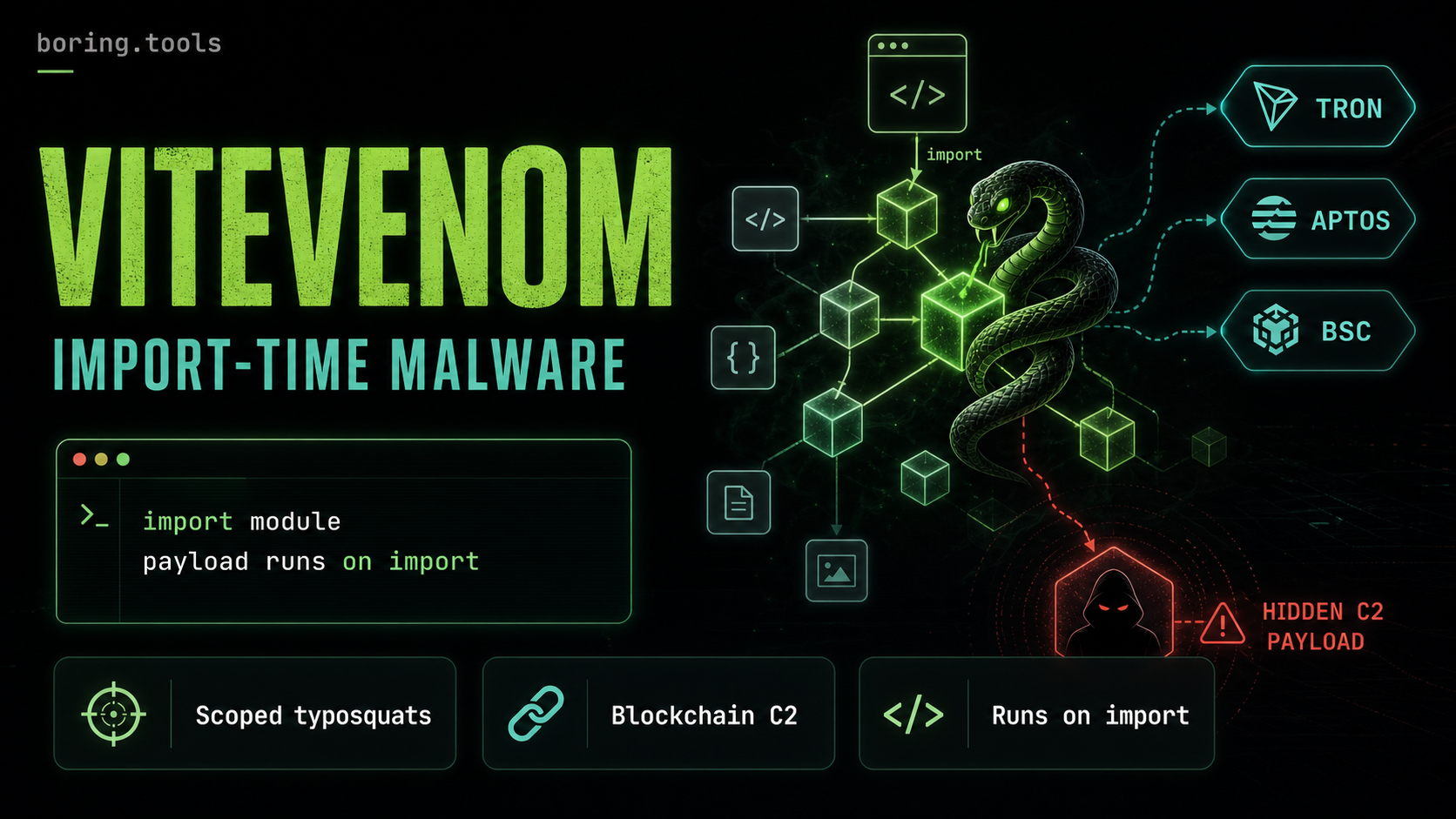
The detail that matters for defenders is timing: the malicious code did not execute at install time. It executed at import time.
What happened
According to the report, the ViteVenom packages were published between June 29 and July 3, 2026. They used scoped names designed to look close to the Vite ecosystem rather than obvious, unscoped typosquats.
The identified packages were:
@uw010010/vite-tree@vite-tab/tab@vite-ln/build-ts@vite-mcp/vite-type@vite-pro/vite-ui@vitets/vite-ts@vite-ts/vite-ui
The packages were part of a broader activity cluster called ViteVenom, which The Hacker News says Checkmarx links to ChainVeil and the SuccessKey threat actor. The earlier ChainVeil packages impersonated tooling around Tailwind, Sass, ORMs, and rate-limiting. This iteration focused more directly on developers building with Vite.
The payload path was unusual. Instead of relying on a single command-and-control domain, the malware used public blockchains as part of the control channel. The report describes a flow that queries Tron for the latest transaction from the attacker’s wallet, decodes transaction data to find a Binance Smart Chain transaction hash, and then extracts an encrypted payload pointer from that BSC transaction. Aptos served as a fallback path, with an HTTP fallback also present.
That design makes takedown harder. A domain or IP address can be seized, blocked, or sinkholed. Transaction data written to public blockchains is much harder to remove.
Why import-time execution changes the response
A malicious preinstall, install, or postinstall script is noisy in a useful way. It gives defenders a clear boundary: if the package was installed, the script may have run. That is why install-time restrictions in newer package-manager workflows matter.
Import-time malware is different.
A package can install cleanly, sit in node_modules, pass a quick dependency review, and only run when a build script, dev server, plugin, or application path imports it. That creates a narrower but trickier question:
- Was the package only present in the lockfile?
- Did CI actually import it during a build?
- Did a developer run a local Vite task that loaded it?
- Did a preview server or plugin path execute the package?
- Which credentials were available at that moment?
That distinction matters for incident response. A static dependency inventory can tell you whether a project resolved one of the package names. Build logs, runtime traces, shell history, endpoint telemetry, and package-manager logs help answer whether the malicious code actually had a chance to execute.
The Vite angle matters
Vite is common in modern frontend stacks. A malicious package that looks like Vite-adjacent tooling can land in places that are operationally sensitive even if they are not production runtime dependencies.
Frontend build environments often have access to:
- source code,
- package registry tokens,
- Git provider credentials,
- environment variables for staging or preview deployments,
- cloud or hosting tokens,
- local developer shell profiles,
- browser sessions and developer-tool configuration.
The reported RAT capabilities included reverse shell behavior, credential harvesting, file exfiltration, and persistent backdoor injection. The Hacker News says users who installed the packages should remove them, audit dependencies, rotate credentials, and inspect shell startup files such as .bashrc, .zshrc, and .profile for unauthorized modifications.
That recommendation is broader than deleting node_modules, and it should be. If a package ran on a developer workstation, the workstation is part of the incident boundary.
How to check exposure
Start with the package names. Search lockfiles, package-manager metadata, registry proxy logs, CI logs, and SBOMs for the seven packages listed above.
For JavaScript projects, useful checks include:
grep -R "@uw010010/vite-tree\|@vite-tab/tab\|@vite-ln/build-ts\|@vite-mcp/vite-type\|@vite-pro/vite-ui\|@vitets/vite-ts\|@vite-ts/vite-ui" \
  package.json package-lock.json pnpm-lock.yaml yarn.lock bun.lock 2>/dev/null
Then look for execution evidence:
- build jobs that ran after the package entered a lockfile,
- Vite plugin or config paths that imported the package,
- local dev commands run by affected developers,
- unexpected changes to shell startup files,
- outbound connections to blockchain RPC endpoints or unfamiliar C2 infrastructure,
- new persistence entries or background processes on developer machines.
If an affected package was imported, rotate credentials from a clean machine. Prioritize npm tokens, Git provider tokens, SSH keys, cloud credentials, deployment tokens, and secrets exposed to local development or preview environments.
What teams should change after this
The practical lesson is not “never use Vite packages.” It is that dependency risk does not stop at install time.
Teams should make three kinds of evidence available before the next incident:
- Inventory: which package versions are present in each project and artifact.
- Install history: which machines, CI jobs, and developers pulled those versions.
- Execution context: whether build, dev, or runtime paths imported the package and what secrets were available.
SBOMs help with the first part. Registry proxy logs and package-manager logs help with the second. CI logs, endpoint telemetry, and build-system observability help with the third.
The blockchain C2 design adds another lesson: indicators can be more durable than domains. A modern supply-chain response should preserve enough telemetry to search by package name, version, maintainer, install time, import path, and network behavior — not only by known-bad IP address.
ViteVenom is a reminder that the quiet path from dependency to execution may be a normal import statement. If you only look for install scripts, you can miss the moment the malware actually runs.
boring.tools helps teams connect dependency inventory, SBOMs, and package-install evidence to real projects and CI/CD pipelines. When a package compromise runs at import time, that context helps narrow the response from “maybe everyone” to the builds and machines that actually touched the package.